
When you first start 3D printing, it feels like stepping into a whole new world of creativity and possibility. You see incredible prints online, unbox your new printer, and think, how hard can it be?
But before long, most beginners hit the same frustrating wall of failed prints, spaghetti messes, or endless tinkering.
I’ve been there too. In this post, I’ll walk you through the most common beginner mistakes in 3D printing—in the same order most people experience them—and what you can do to avoid them.
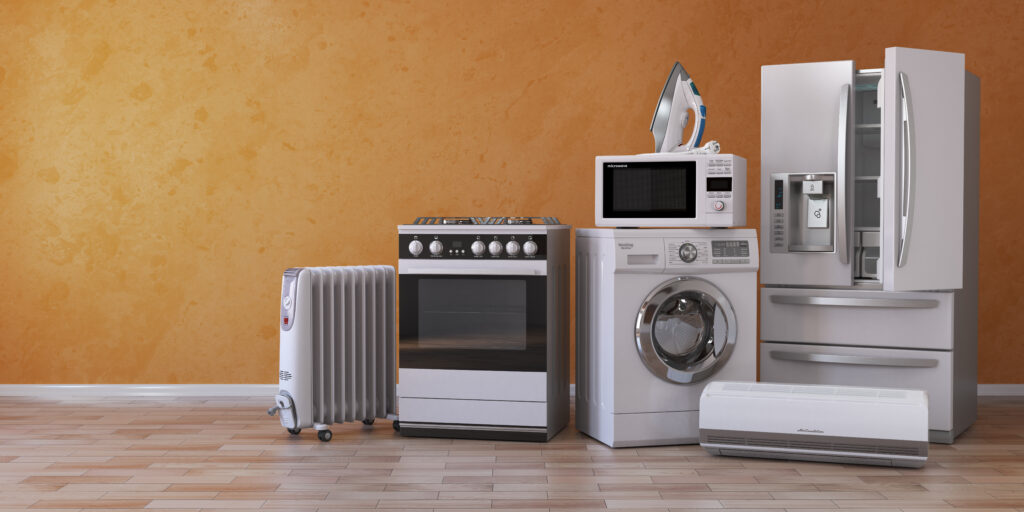
1. Believing 3D Printers Work Like Appliances
“I thought I could just plug it in and hit print.”
It’s one of the biggest misconceptions beginners have.
3D printers might look sleek and modern, but they’re not coffee makers or microwaves. They’re machines with moving parts that need calibration, cleaning, and care.
Loose belts, worn nozzles, and sensors that can fail are all part of the territory.
Learning basic maintenance and troubleshooting will save you hours of frustration and wasted filament.
Tip: Start by reading your printer’s maintenance guide and keep a small toolkit nearby. You don’t need to rebuild your printer—just understand how it works.
2. Not Being Prepared for Failures
Here’s a truth about 3D printing: something will go wrong at the worst possible time.
Maybe your filament runs out halfway through a print, or a PTFE tube wears out in the middle of an overnight job.
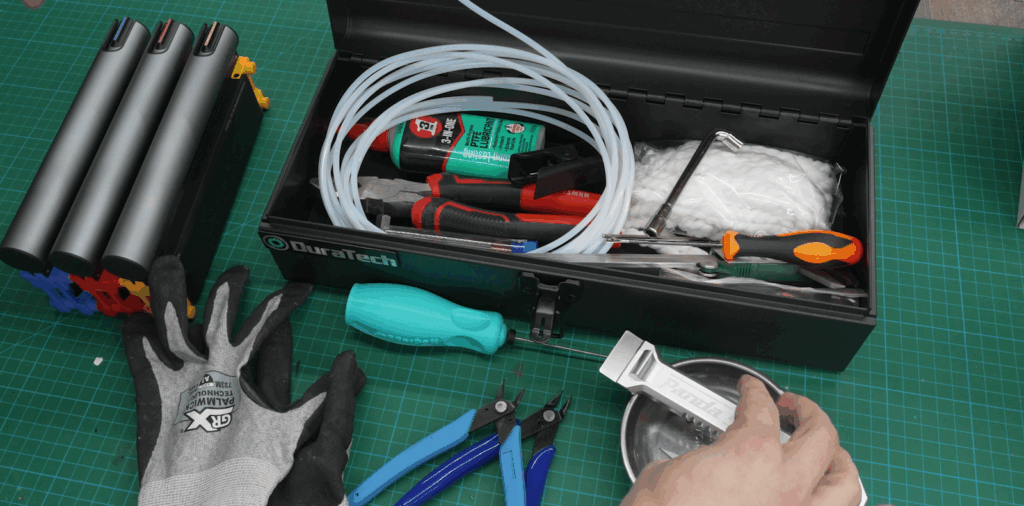
That’s why I always recommend having a 3D printing maintenance kit ready to go.
You don’t need much—just a few essentials like:
- Spare PTFE tubes
- A couple of nozzles
- Pliers and Allen keys
- A good scraper (I love the Panda Edge)
- A brass brush for cleaning the nozzle
When you’re prepared, even a late-night print failure becomes a quick fix instead of a ruined project.
3. Getting Stuck in Setup Mode
You’ve got your printer. You’ve watched all the tutorials. You’ve organized your workspace.
And yet… you still haven’t actually printed anything.
That’s what I call “setup paralysis.”
Many new users are afraid to start printing because they don’t want to waste filament or break something. But the only way to learn is to start.
Your first prints don’t need to be perfect—they just need to exist.
Start small: a calibration cube, a tool holder, or a simple model.
Each print, even the failures, teaches you something valuable.
Inside my 3D Print Guild, we do monthly print challenges to help members overcome this fear and build confidence one print at a time.
4. Printing Files You Didn’t Slice Yourself
It’s tempting to grab a “ready-to-print” file online and hit go.
After all, it’s easy and fast. But this shortcut can cause a lot of hidden problems.
When you download pre-sliced files, you have no idea what settings were used—different printer, different nozzle, different filament.
If something goes wrong, it’s impossible to know why.
Always open the model in your slicer and re-slice it for your setup.
It only takes a minute but saves you hours of frustration later.
5. Ignoring Model Orientation
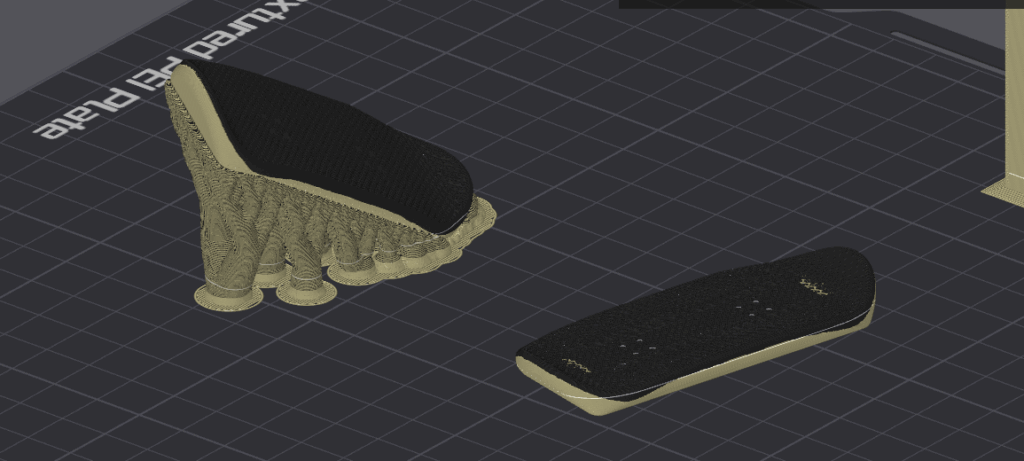
A 3D model might look perfect when you load it into your slicer, but that doesn’t mean it’s positioned correctly for printing.
Many creators design their models for how they look, not how they print.
Re-orienting your model can dramatically reduce supports, improve surface quality, and make parts stronger.
Even a **small rotation—5 to 10 degrees—**can mean the difference between a messy print and a flawless one.
6. Trying to Fix Everything at Once
When a print fails, panic sets in.
You re-level the bed, change the filament, adjust temperatures, and swap the nozzle—all at once.
Then when the problem’s gone, you have no idea what actually fixed it.
Or worse, it’s still broken and now even harder to diagnose.
3D printing is about cause and effect.
The best way to troubleshoot is simple:
Change one thing at a time, run a small test print, and note the result.
It’s methodical, slower—but it’s how you get consistent, repeatable success.
7. Printing in Unsafe or Poorly Ventilated Spaces
Modern printers are quiet and stylish, so it’s easy to assume they’re completely safe to run anywhere—even in a bedroom.
But remember, you’re still melting plastic at high temperatures.
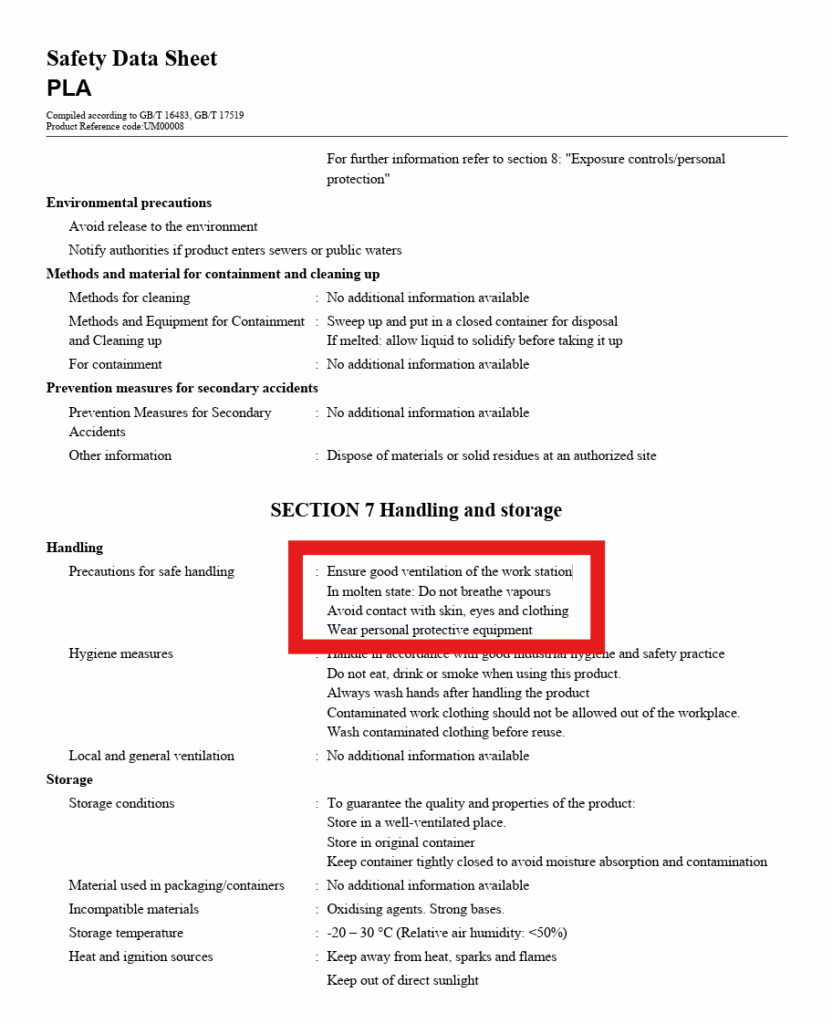
Even PLA can release ultrafine particles and fumes. Most filament manufacturers recommend printing in a well-ventilated area for a reason.
Treat your printer like a workshop tool:
- Print in a ventilated space.
- Use an enclosure or vent if possible.
- Don’t run your printer beside your bed.
It’s not about fear—it’s about awareness and safety.
MSDS sheet for PLA
Final Thoughts
These are just a few of the most common beginner mistakes—but they’re the ones that can save you the most time (and filament) once you know how to avoid them.
There are plenty more topics we can cover—like filament handling, first layer setup, and slicer optimization—so let me know which ones you’d like to see next.
And as always, I wish you a great day, and I’ll see you in the next video.